Starting a new project in TrackDrawer
First layout
Benjamin | TrackDrawer.com · published 24 November 2026
Every layout in TrackDrawer is a project: one track system, one table and the track laid on it. In this example you build with Märklin C track.
Open the app. If you have no plans yet, a short wizard opens with the question "Which track do you build with?". Pick the group H0 and 00, tap Märklin C track and click Next.
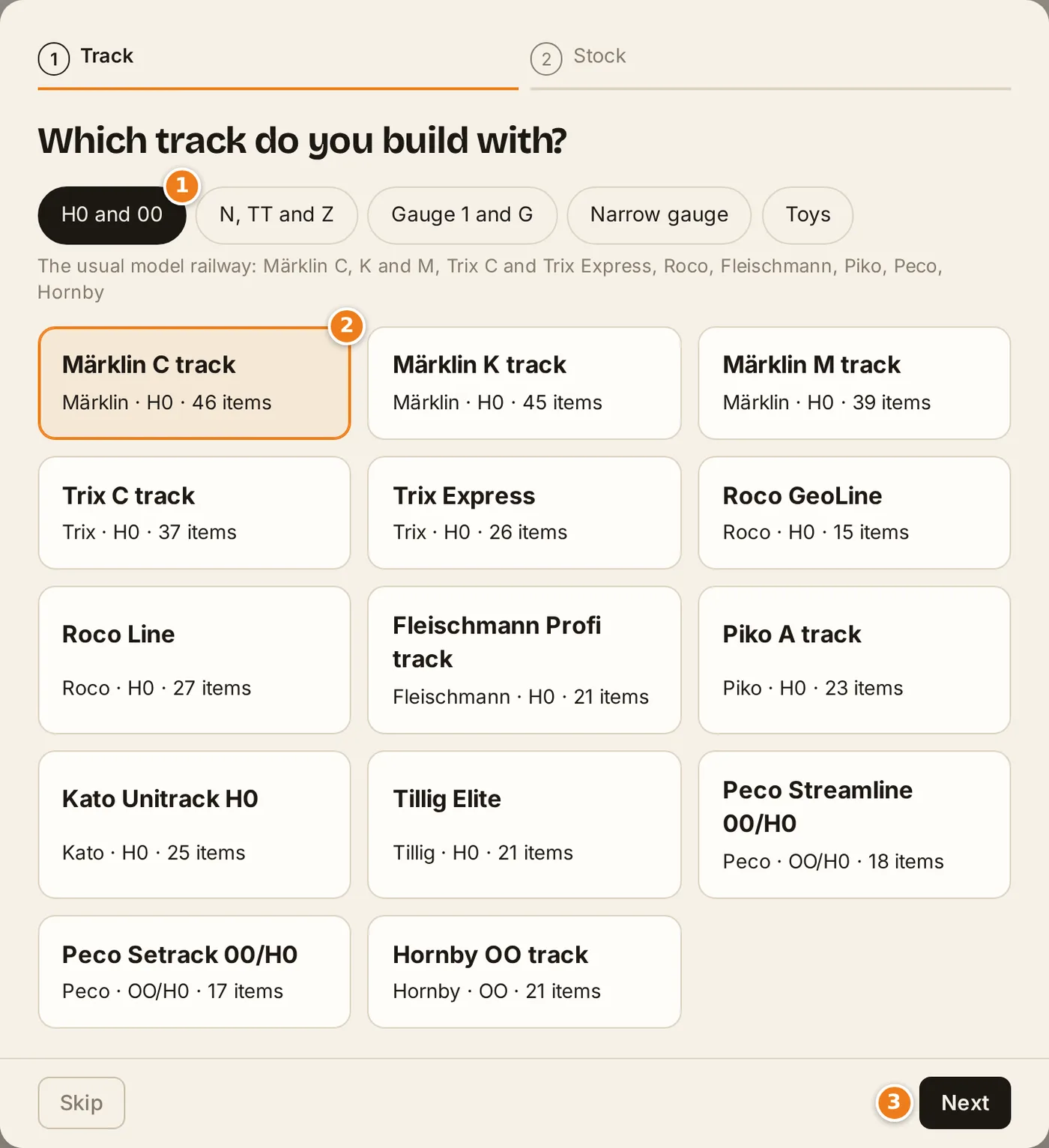
Pick the scale group (1) and your track system (2), then Next (3). In the second step you choose what is in your drawer, for example your starter set. The app then creates a plan straight away and lays a few variants on a 200 x 120 cm table. Not ready for that yet? Click Skip.
For every new plan after that, stay on the Projects tab. Type a name, pick the track system from the list and click New plan.

Name (1), track system (2) and New plan (3). The editor opens with an empty 200 x 120 cm table. You set a different size under Table: see setting up the table.
The app saves every change on its own after a few seconds; Save saves right away. To get back to all your plans, click Projects at the top. Each plan shows as a card with a thumbnail, the table size and the number of pieces.
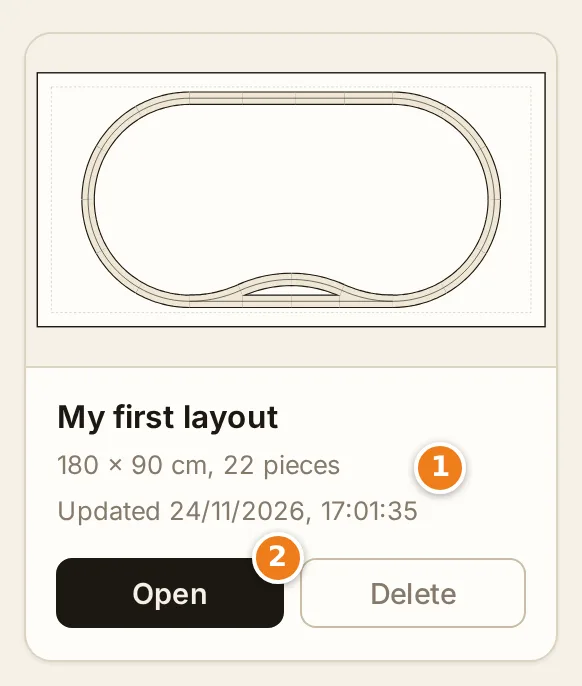
Size and number of pieces (1); Open (2) takes you back into the editor.
What next?
A plan without track is only the start. First enter your stock by item number or add your starter set in one go. Then let the Auto-designer generate variants that fit your table. If you build with C track, getting started with Märklin C track helps as well.